In a previous post, we discussed at length how to do a proper inventory of old tech and why it’s important for your business. In this guide, we will walk you through simple ways to get rid of old IT equipment safely.
Here’s our straightforward guide for SMEs on how to dispose of old tech.
Step 1: Gather up the tech
Start by working out what you actually have.
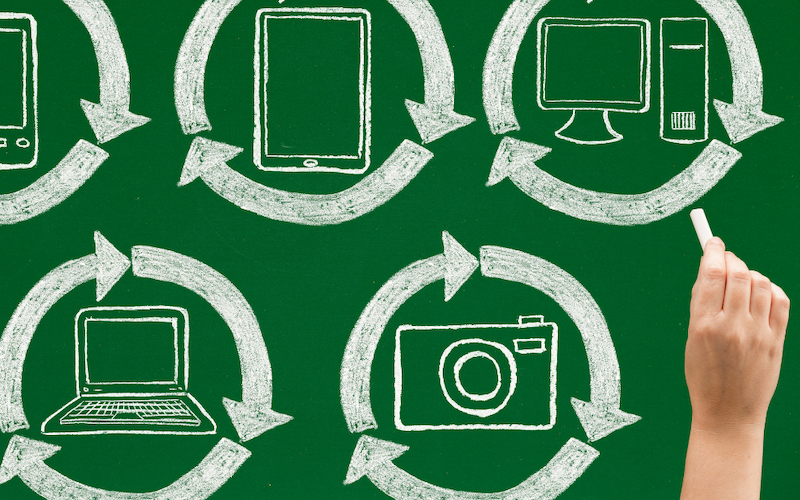
Think beyond just phones and computers. Your old tech pile could also include:
- Mice
- Keyboards
- Printers
- Monitors
- Chargers and cables
Step 2: Choose the right route
Now that you’ve gathered everything up, think about what should happen to each item.
- Working and still suitable- Reuse
- If your tech is still working and usable, first see if it can be reused in your business. Maybe you’ve found a mouse or charger you’d forgotten about that’s still in perfect condition — great! Put it back into use rather than buying another. If you no longer need it, consider donating or refurbishing it for reuse elsewhere, but be sure it is properly assessed before passing it on.
- Not suitable for reuse- Recycle
- If equipment is damaged, obsolete or otherwise unusable, it should be sent through an appropriate WEEE (waste electrical and electronic equipment) recycling route. Electrical and electronic equipment is covered by WEEE regulations, which set requirements for how this type of waste is collected, treated and recycled.
- Contains business data- Secure it first
- If your tech has important information stored on it, don’t send it out of the door until the data has been securely dealt with. And no, unfortunately, simply deleting the files isn’t enough to keep you protected. Data must be securely sanitised or destroyed before the equipment is reused or recycled.
Step 3: Arrange responsible disposal
Now that you’ve worked out what can be reused, what needs to be recycled and which devices contain data, it’s time to get the unwanted equipment out of the office. This can feel a bit overwhelming, especially when you’re trying to navigate WEEE regulations and avoid data risks.
SME owners already have a lot on their plate, so finding a reliable specialist to handle old technology can make the process much easier.
Services such as DCW’s ReTech, in partnership with Blackmore, help Devon businesses responsibly manage unwanted IT equipment secure data wiping and refurbishing suitable tech for reuse, giving old devices new life and supporting local communities facing digital exclusion.
Equipment that can’t be reused is processed through proper recycling routes, recovering valuable materials instead of ending up as waste.
Step 4: Build a new routine
Once you’ve cleared the current pile, get ahead of the next one.
When new equipment arrives, assess the old laptop, computer or phone it’s replacing and plan its disposal instead of just storing it.
If you’re busy, set up a small, visible spot, like a box labelled ‘Old Tech’, for unwanted devices. This prevents clutter from spreading, let’s you see if it’s piling up and makes your next clear-out easier.
A simple process can make a big difference. Check what you have, deal with any data securely, reuse where possible and recycle what can’t be reused.
That way, your old technology doesn’t have to become a security risk, an office storage problem or unnecessary waste.
Need a hand disposing of your business’ old tech waste? If your business has unwanted laptops, phones, monitors or other IT equipment, find out more about Retech and how DCW can help you manage it securely and responsibly.
W: dcw.co.uk/recycling/retech/
P: 01392 361 300